One button.
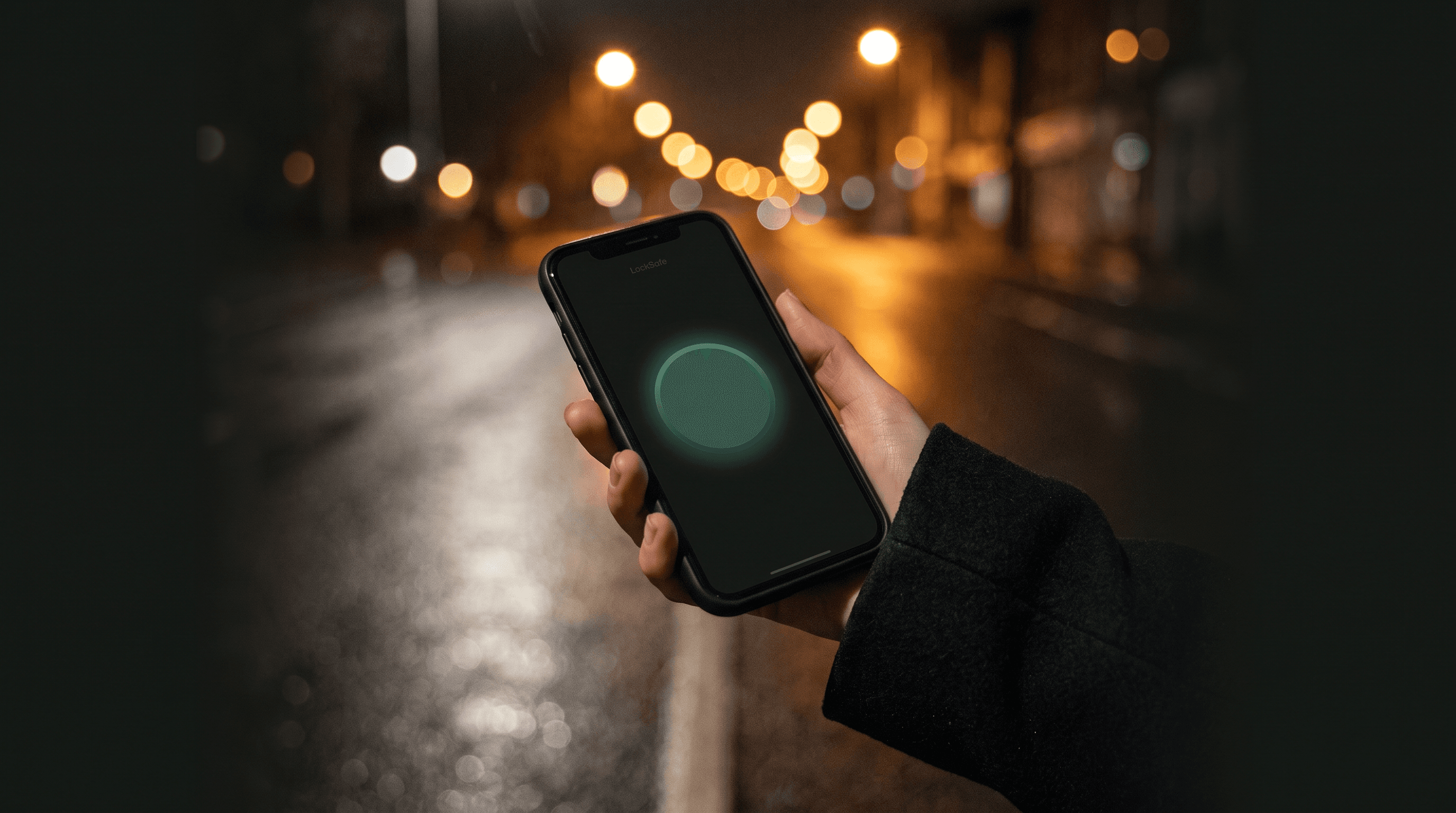
The people you trust see where you are. Then it's deleted.

Alerts
Sent in seconds, by text, to people who already said yes.
Your location
Shared only during an emergency you start.
Kept afterwards
Nothing. Ended means deleted.
How it works
No feeds, no followers, no noise. Four quiet steps, built for the walk home, the late shift, the first date, the long drive.
- Subscribe
LockSafe is a paid subscription — no free version, no advertising. The price is below.
- Add trusted contacts
Up to five people you choose. Each one accepts an invitation before they can ever be alerted — they don't need to install anything.
- Press the button
Your contacts get a text and email with a private link to your live location.
- End it when you're safe
Confirm with your PIN or Face ID. Sharing stops immediately and every location point is deleted.
What the people you trust see
A single private web page: your live location, how recently it updated, your phone's battery, and buttons to call or text you. No app needed on their side.
When you end the emergency, the page goes dark permanently — there is nothing to scroll back through, because nothing is kept.
Illustration — names and map are examples.

Privacy, as a spec sheet
Your safety shouldn't cost your privacy. This is the whole arrangement.
- Location collected
- Only while an emergency you started is running.
- Background tracking
- Never. Not before, not after.
- When you end it
- The app stops, the server refuses more, the database erases what it held.
- Ads, analytics, data sales
- None. Ever.
You're the customer, never the product.
The short version above is the true version — but read the full privacy policy; it says the same thing with a solicitor watching.
LockSafe is not an emergency service. It does not contact the police, ambulance or fire services. If you are in danger, call 999 whenever you can.
What it costs
LockSafe runs on subscriptions for one simple reason: we don't hold your data, so there is nothing to sell and nothing to share. No advertiser and no data buyer pays the bills — you do. That's what keeps the arrangement clean.
Individual
£7.99 / month
or £79.90 a year — twelve months for the price of ten
One account, your own trusted contacts, the button.
Family
£15.99 / month
or £159.00 a year
Covers up to six people through Apple Family Sharing. Everyone gets their own account, contacts and private location — buying the plan never lets you see anyone else's.
Billed by Apple; renews automatically until cancelled in your device Settings under your Apple ID. We never see your card details. There is no free trial.
Got an emergency link and don't know why?
Someone added you as their trusted emergency contact. You'll only ever hear from LockSafe when that person first invites you, or if they trigger an emergency.
You can decline. The invitation has a Decline button, and declining is permanent — they cannot re-invite you through the app.
Nothing about you is shared with them, and nothing is shared with you outside an active emergency.
Support
Need help, or want your data removed?
Email support@locksafe.help and a human will reply. Include the email address on your account.
You can also delete your account and everything associated with it at any time from inside the app: Settings → Delete account.
Common questions
Is there a free version?
No. LockSafe is funded entirely by subscriptions, which is what lets us refuse advertising, analytics companies and data sales. You're the customer, never the product.
Does LockSafe track me all the time?
No. It asks for "Always" location permission so sharing keeps working when your screen locks during an emergency — but collection only ever happens while an emergency you triggered is active. You can decline the permission; the app still works, and tells you plainly that sharing will pause when the screen locks.
What if I have no signal when I press the button?
LockSafe tells you, in unmissable red, that the alert was not sent — with a Retry button for the moment you have signal, and a reminder to call 999 if you can. It never pretends your contacts were warned when they weren't.
I forgot my PIN.
On the lock screen, tap "Forgot PIN? Sign out and reset". You sign in again with your account password and set a new PIN. Your contacts stay exactly as they were.
Anything else — support@locksafe.help.
A steady hand in your pocket.